PFPX and Manual NAT/PACOTS and AUSOTS
Posted: Sun Oct 12, 2014 9:09 pm
In case you do not want to extend your PFPX subscription below is the way to manually enter the Track system in PFPX for flight planning ver 1.16
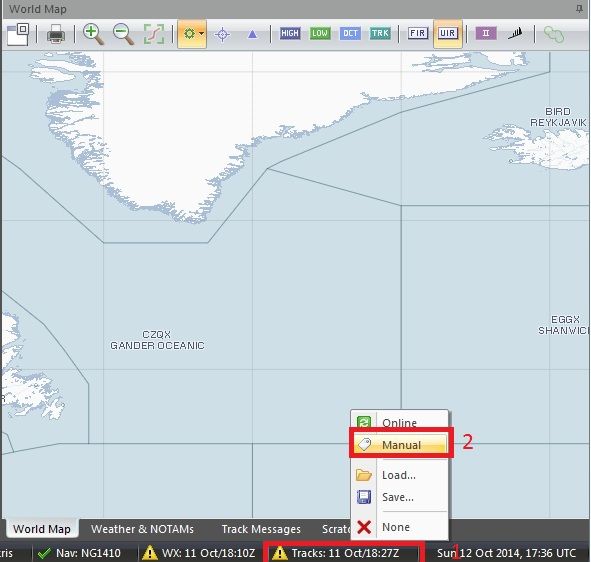
On PFPX main window left click on the Tracks on the bottom of the screen and from the pop up window select manual.
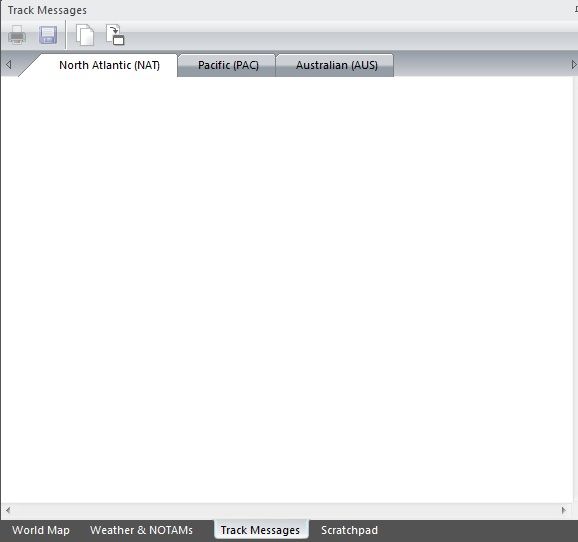
Select the Track messages tab and select which track you are interested in. In case there are entries just select and delete them
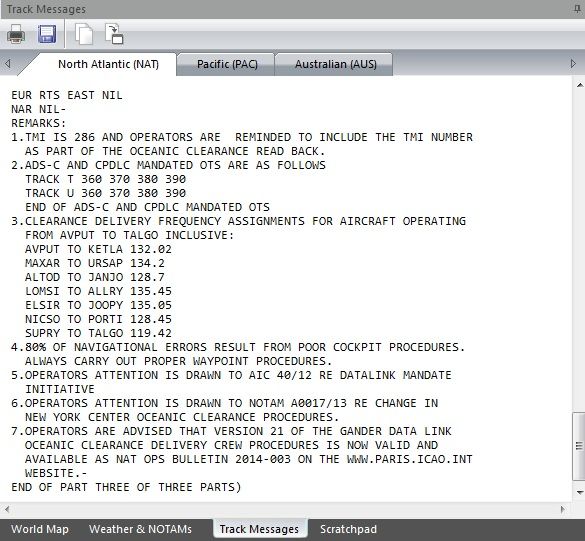
Now go on the daily track message on the web and just copy/paste it on PFPX
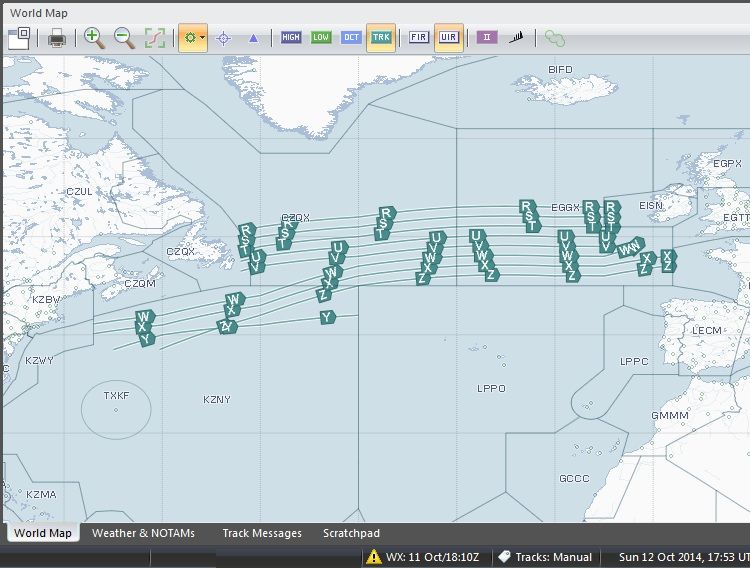
and voila
On PFPX main window left click on the Tracks on the bottom of the screen and from the pop up window select manual.

Select the Track messages tab and select which track you are interested in. In case there are entries just select and delete them

Now go on the daily track message on the web and just copy/paste it on PFPX

and voila
